
Download
DukaanAdda
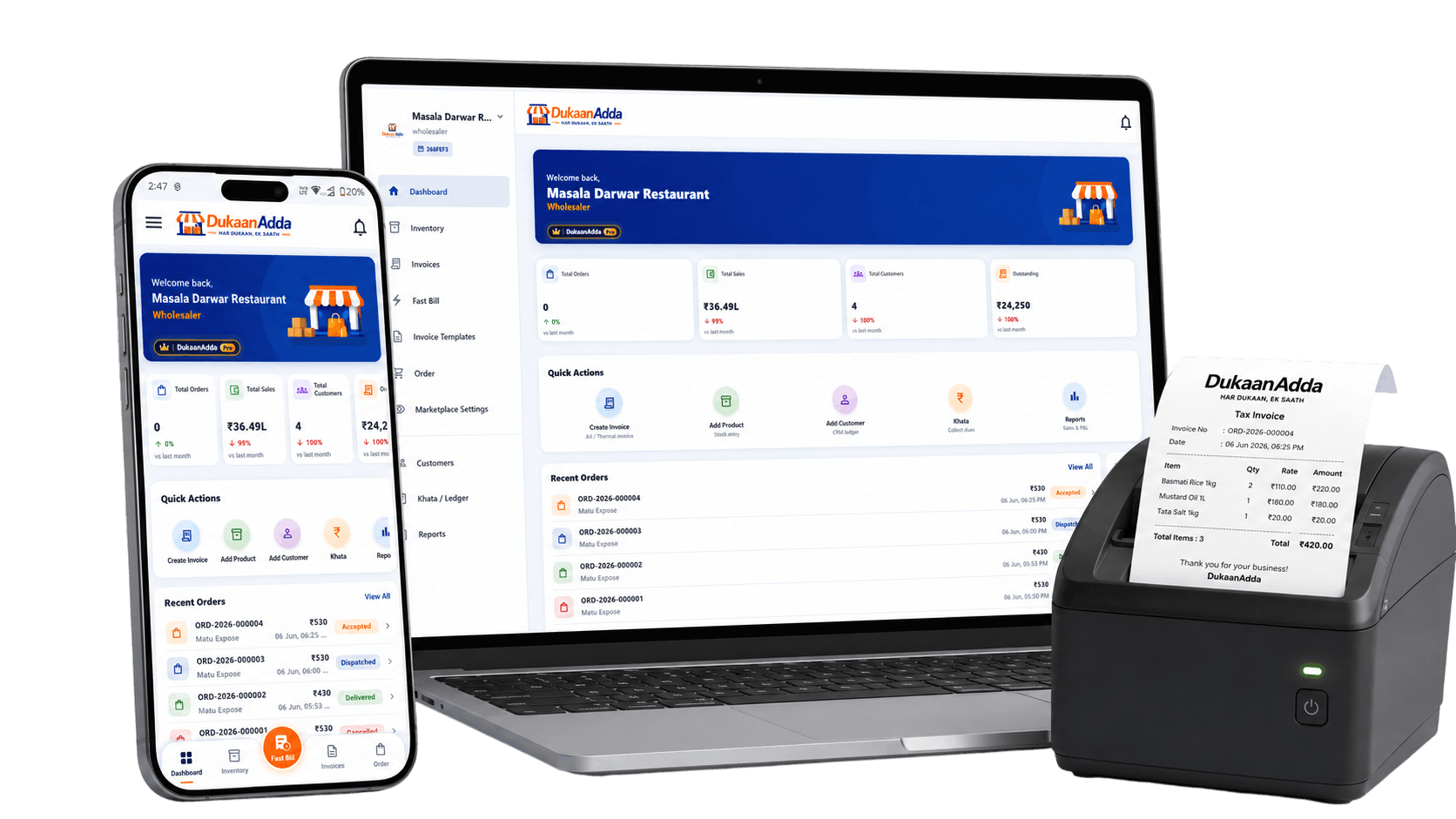
Install DukaanAdda on Android or Windows and start billing, managing inventory, tracking reports and printing invoices in minutes.

Play Store
Get DukaanAdda on your Android phone or tablet.
Microsoft Store
Install DukaanAdda from Microsoft Store on your Windows PC.

EXE File
Direct Windows installer for manual setup and offline use.
GST Billing
Fast & Simple
Fast Billing
Create bills in seconds
Inventory
Track stock in real-time
Thermal Printer
Print invoices easily
Android & Windows
Works on both platforms
Secure Download
Virus free & trusted
Which version should I choose?
All versions offer the same powerful features. Choose the one that suits you best.

Choose Play Store
Best for Android users who want quick install, automatic updates and a seamless mobile experience.

Choose Microsoft Store
Perfect for Windows users who prefer easy install via Microsoft Store with automatic updates.
Choose EXE File
Great for users who need a direct installer, offline setup or cannot use Microsoft Store.